How to create your online wedding invitation
Pick a design, fill in your details, share one link with your guests. Ten minutes is all it takes to have a beautiful digital wedding invitation.
- Free to try
- No sign-up needed
- Ready in 10 minutes
- Made for Indian weddings


How to create your wedding invitation
Just 8 simple steps. No design skills needed.
1Choose a design
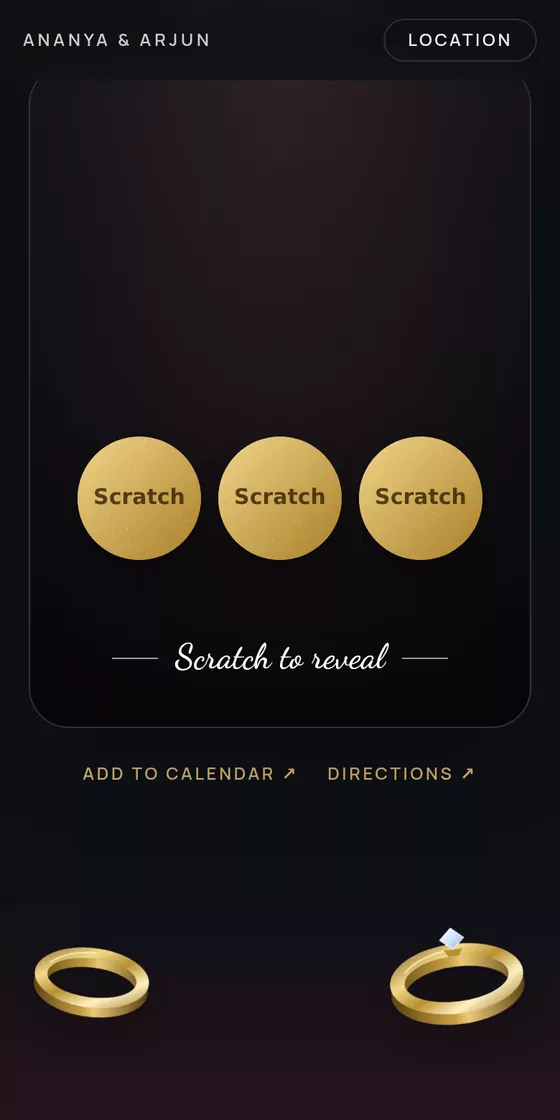
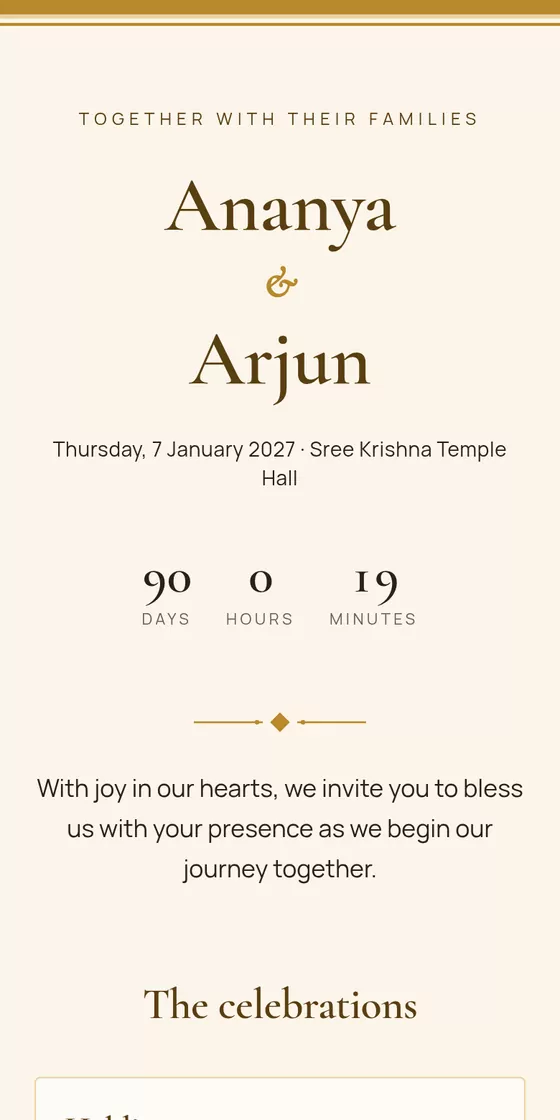
Browse designs made for Indian weddings, from traditional Kerala gold to modern and minimal. Open any of them as a live sample on your phone before you decide.
- Popular
Swarna
Mothiram
Deepam
Kerala Gold
2Fill in your details
Add your names, the date and the venue. Start typing the venue and pick it from the list: the address and a Google Maps link fill in for you. Then write a few words for your guests, or keep ours.
♡ Your details
Bride
AnanyaGroom
ArjunWedding date
Thu, 7 January 2027Venue
GuruvayurSree Krishna TempleGuruvayur, Thrissur, Kerala
Guruvayur Devaswom AuditoriumGuruvayur, Kerala
3Add photos, music & functions
Upload your couple photo and a gallery, pick a song that plays as guests open it, and add every function, from Haldi to the Reception, each with its own time, venue and dress code. Turn on the gift box if you'd like guests to send a gift by UPI.
Photos




Functions
- HaldiTue 5 Jan · 10:00 AM
- MuhurthamThu 7 Jan · 10:30 AM
- ReceptionThu 7 Jan · 6:30 PM
♪ Song addedGift box on4Preview before sharing
See your invitation exactly as guests will on their phone. Fix a typo, change the photo or switch to another design: your details carry over, so nothing needs retyping.
Preview5Pay & publish
When you're happy, pay once for your design with UPI, a card or net banking, and your invitation goes live straight away at your own link, like evly.in/ananya-arjun.
Publish your invitation
DraftSwarna design₹699Coupon codeApplyPay ₹699 & publishUPI · Cards · Net banking · Wallets
6Share on WhatsApp
Paste the link into WhatsApp and guests see a preview with your photo, names and date. Print the QR code on cards, or make a video of your invitation for WhatsApp Status and Instagram.
FFamily groupAmma, Achan, Meera, +42Ananya & Arjun · 7 January 2027
You're invited to our wedding
evly.in
Please join us! evly.in/ananya-arjun
10:24 ✓✓
Meera
So beautiful! RSVP done 🎉7Personalize for each guest
Send one link to everyone, or add your guest list and give each guest their own link with their name on the invitation. Send it on WhatsApp in one tap, see who has opened it, and every reply is matched to the right guest.
Guests
- Meera NairComing · 2WhatsApp
- Rahul & familyOpenedWhatsApp
- Lakshmi AuntyNot openedWhatsApp
Specially for
Meera
Ananya & Arjun
Tap to open
8Track RSVPs & wishes
See who's coming to each function and how many people they're bringing, read their blessings, and download the list. Share a private link with family so they can see the replies too.
124
Attending
9
Can't come
312
People
Haldi46 people
Muhurtham182 people
Reception240 people
Lakshmi Aunty · 4 people
“Wishing you both a lifetime of happiness!”
Featured wedding designs
Each one made for a different style of celebration.
What's included in an online wedding invitation?
An Evly invitation covers everything, from your names to a built-in gift box.
Couple & date
Your names, the wedding date and a welcome message for your guests, set in the design's own lettering.
- Names
- Wedding date
- Welcome message
Every function
Haldi, Mehndi, Sangeet, Muhurtham, Reception and more on one invitation, each with its own details.
- Date & time
- Venue
- Google Maps
- Dress code
Photos
A couple photo up front and a gallery guests can swipe through. Pick which part of the photo stays in view.
- Cover photo
- Photo gallery
Music & countdown
A song that starts when guests open the invitation, and a live countdown to the big day.
- Upload a song
- YouTube link
- Countdown
- Add to calendar
RSVP
Guests reply right on the invitation: whether they're coming, how many people, and which functions.
- Headcount
- Per function
- Spreadsheet download
- Private family link
Guest wishes
Guests leave blessings that appear on the invitation. You can hide any of them from your dashboard.
- Shown on the invitation
- Hide or show
Gift box
Guests send a gift by scanning your UPI QR code or by bank transfer. The money goes straight to you.
- UPI QR code
- Bank details
- Copy buttons
Sharing
One short link for everyone, with a rich preview on WhatsApp, plus a QR code and a story video.
- WhatsApp preview
- QR code
- Story video
Frequently asked questions
I'm not a designer. Can I still make a beautiful invitation?
Yes. Every design is already laid out, with its own colours, lettering and decoration. You only type your details and add photos; the design takes care of the rest.
How long does it take?
About 10 minutes for the basics: names, date, venue and a photo. You can add more functions, photos and music whenever you like.
Is it free to make?
Making and previewing your invitation is free, with no sign-up. You pay once, per invitation, only when you publish it to share.
What should I have ready before starting?
Your names, the date, the venues for each function, a couple photo or two, and a song if you'd like music. If you want a gift box, your UPI ID.
How do guests receive the invitation?
As a link, usually on WhatsApp. It opens in any phone browser, with nothing to install and no sign-up. You can also print its QR code on cards.
Can each guest get an invitation with their name on it?
Yes. Add your guest list on the Guests tab and each guest gets their own link. When they open it, the invitation greets them by name, and you can see who has opened it and who has replied.
Can guests RSVP on the invitation?
Yes. They choose whether they're coming, how many people, and which functions they'll attend, and can leave a blessing. You see it all on your dashboard.
How do I pay?
Through Razorpay, with UPI (GPay, PhonePe, Paytm), cards, net banking or wallets. Your invitation goes live as soon as the payment goes through.
Can I keep editing after I pay?
Yes. Change anything and publish again as often as you like, at no extra cost. The link stays the same.
Ready to make your wedding invitation?
Pick a design you love and start building your invitation today.