Wedding photo album
Your favourite photos, on the invitation
Put your couple photo on the cover and add a gallery of your pre-wedding shoot or engagement. Guests tap any photo to see it full screen and swipe through the rest.
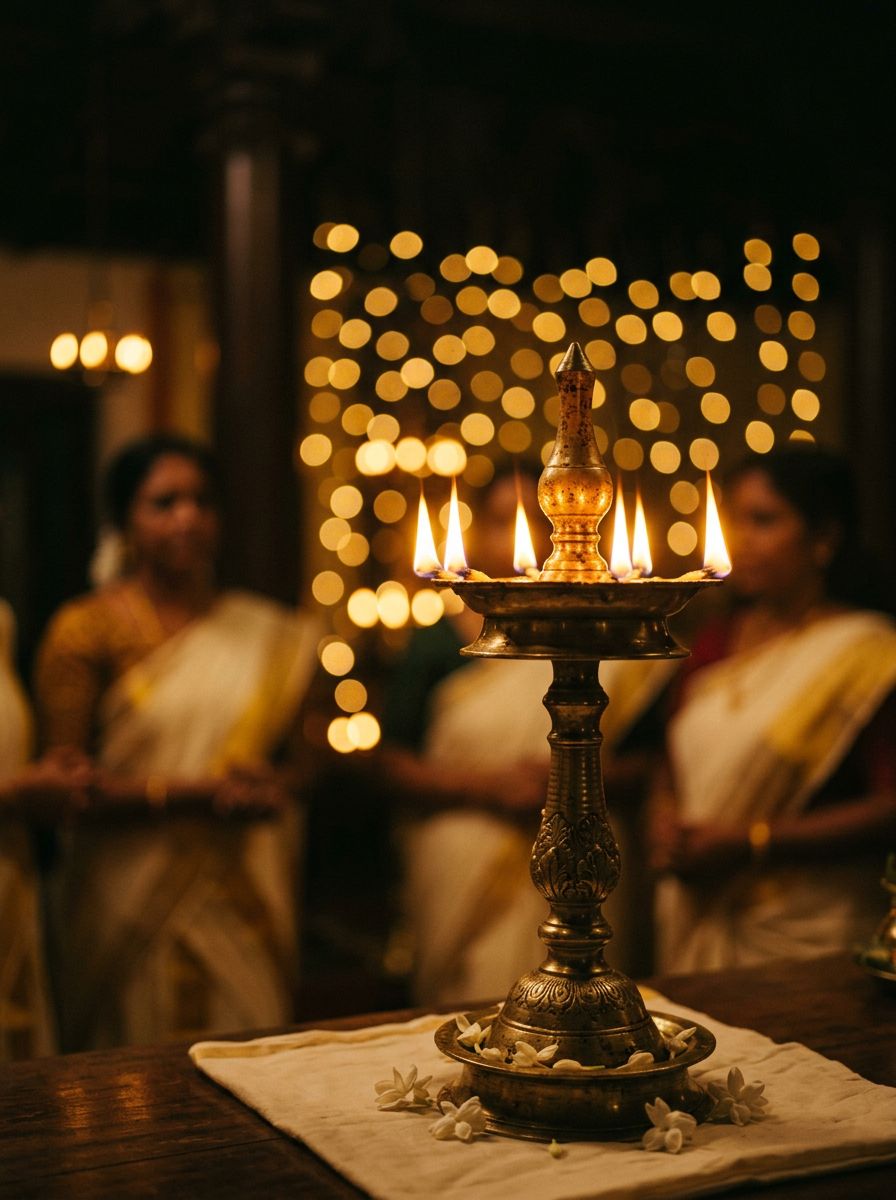

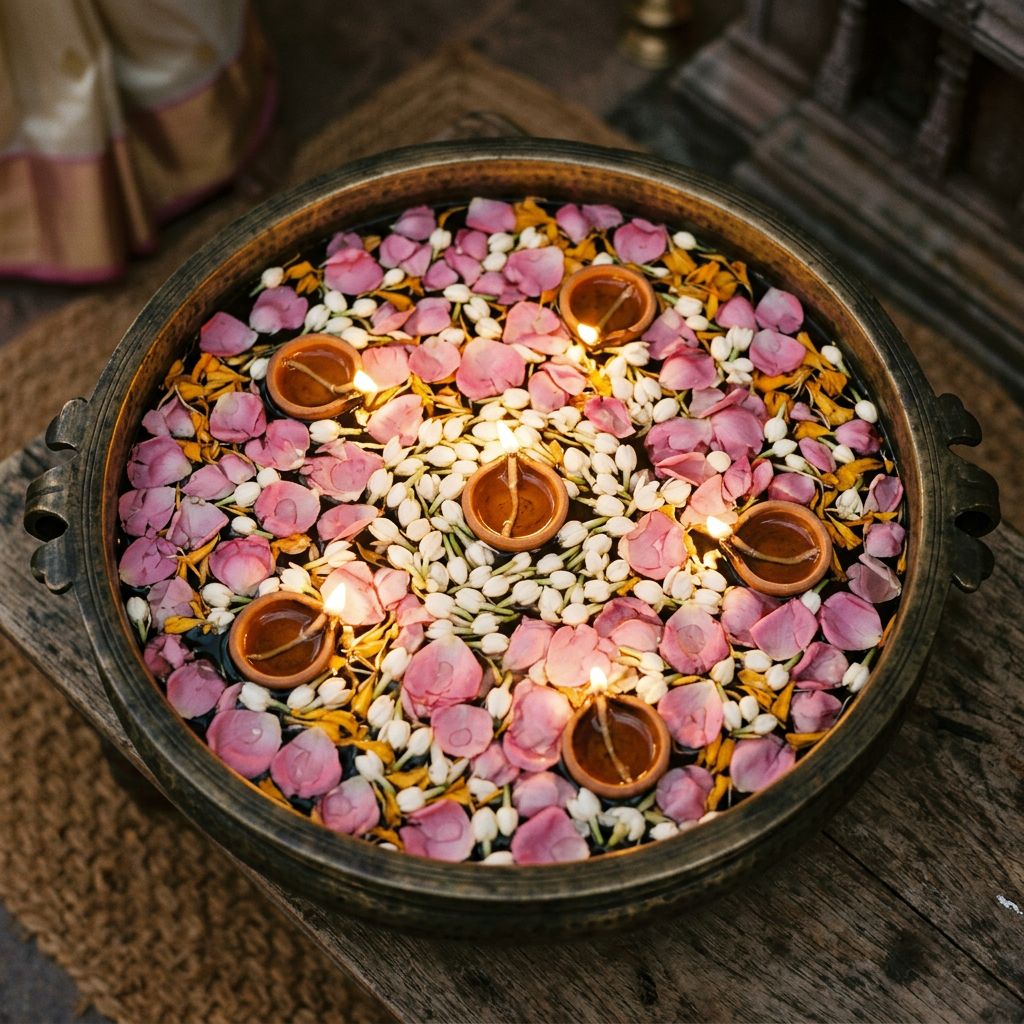
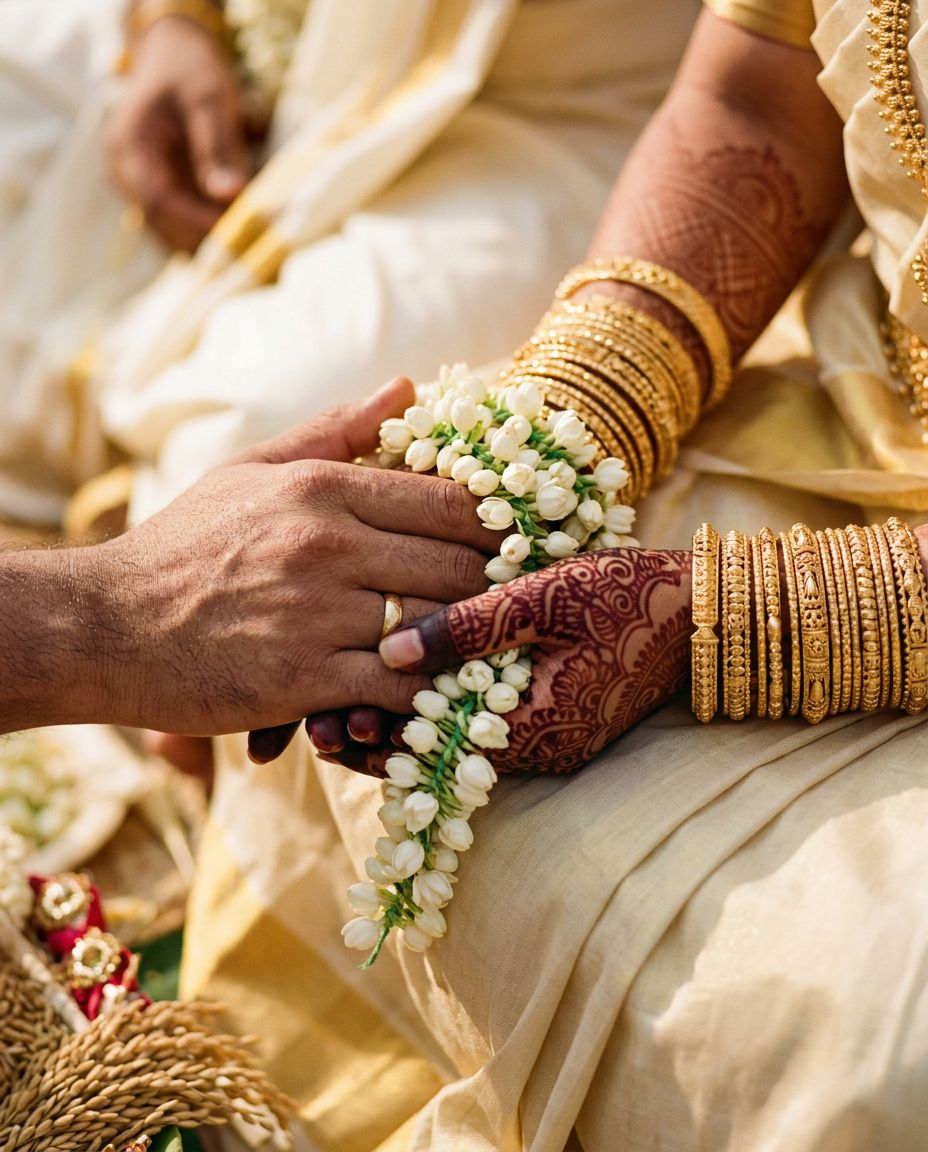

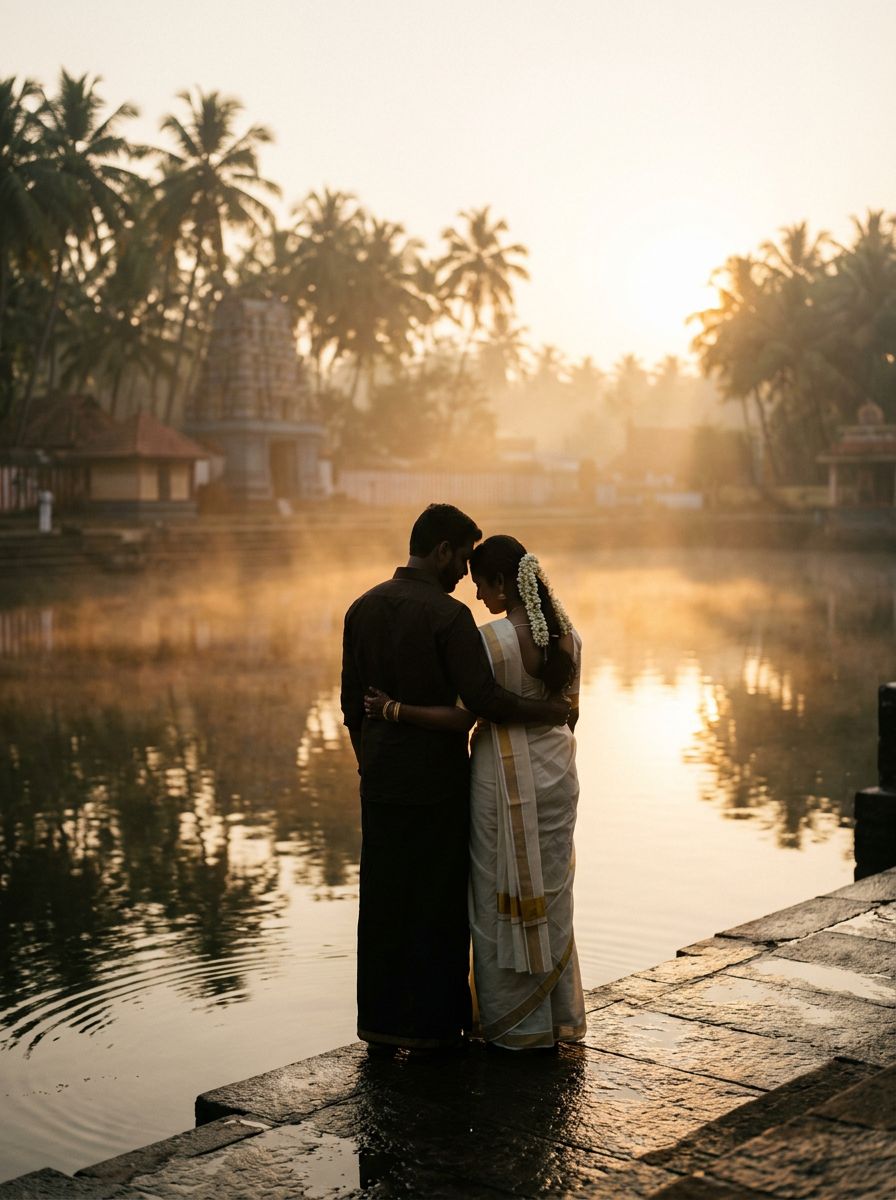
A cover photo up front
Your photo sets the mood the moment guests open the invitation. Choose which part of it stays in view.
A gallery guests can swipe
Tap a photo to open it full screen, then swipe, use the arrows, or close it.
Uploads from your phone
Pick photos straight from your gallery. They're resized as they upload, so even big phone photos go up quickly.
Ready-made photos too
No photoshoot yet? Some designs come with beautiful photos you can use instead.
How it works
- 1
Choose your photos
Pick a cover photo and your favourite shots from your phone or computer.
- 2
Frame the cover
Choose which part of your cover photo stays in view on every screen.
- 3
Publish
Your guests see the photos, laid out to suit your design.
Common questions
How many photos can I add?
It depends on the design: each one has room for a cover photo and a gallery sized to its layout.
Will large photos slow the invitation down?
No. Photos are resized in your browser before they upload, so the invitation stays quick to open.
Can I change photos after sharing?
Yes. Change them any time and publish again. The link stays the same.
Make your invitation in minutes.
Free to create and preview. Pay only when you're happy.